
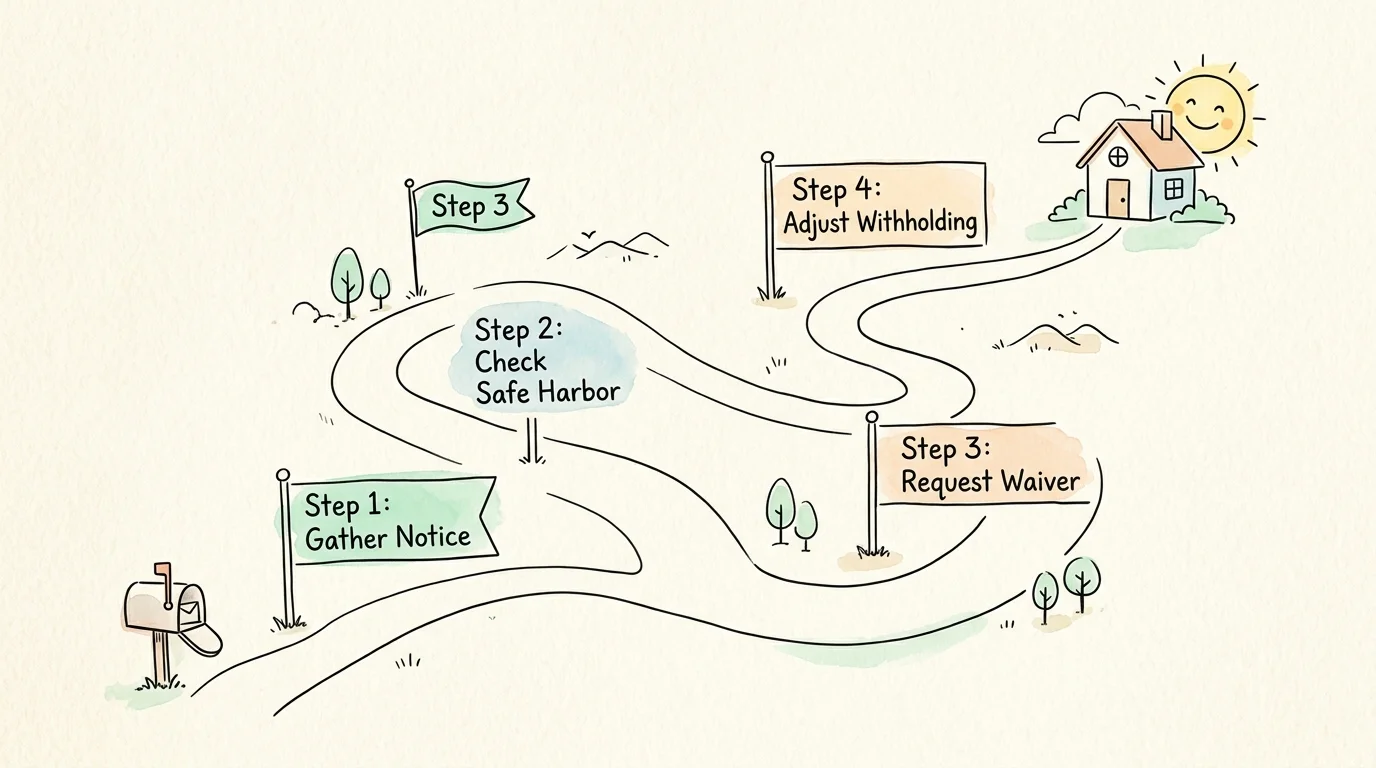
Step-by-Step Guide: What to Do When You Receive an IRS Penalty Notice
When an IRS penalty letter arrives in your mailbox, follow this structured plan to address the notice efficiently and minimize costs.
Step 1: Check the Notice Details and Payment Record
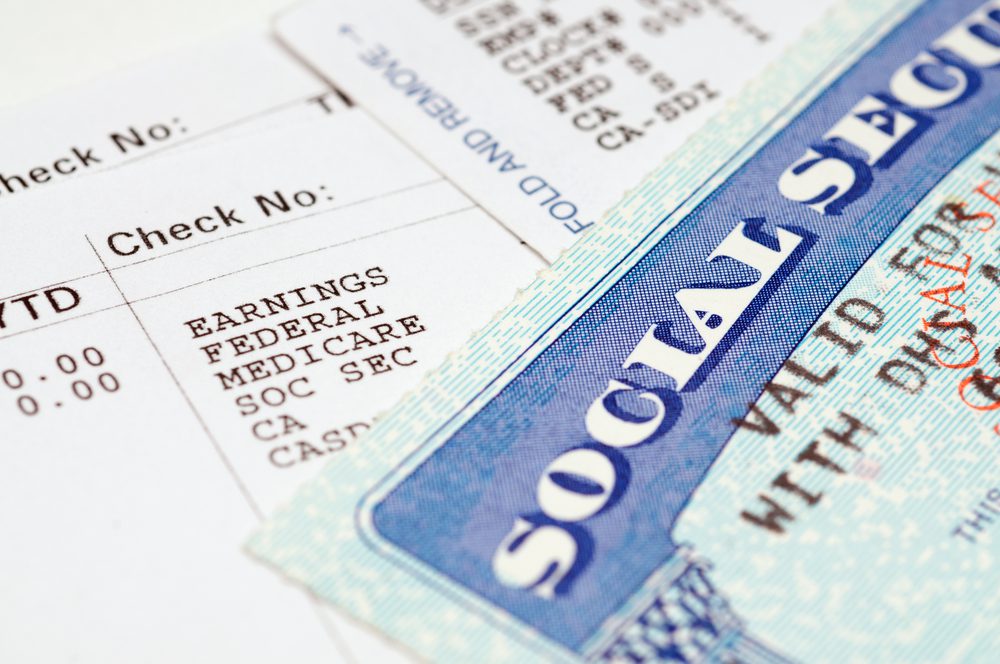
Compare the figures on the notice against your records. Verify your total tax liability, total withholding from pensions or IRAs, and any quarterly estimated payments you made. IRS computers occasionally miss payments if social security numbers were mistyped on checks.
Step 2: Determine Eligibility for Safe Harbor or Waiver
Check if your total payments equaled 100% (or 110%) of your prior year’s tax liability. If they did, the IRS assessed the penalty in error. If you retired at age 62 or older during the year, gather your retirement documentation to claim the retiree penalty waiver.
Step 3: Complete IRS Form 2210
Fill out Form 2210 to calculate the exact penalty or request your waiver. Check Box A or Box B in Part I to indicate that you are requesting a penalty waiver, and attach your supporting statement detailing your retirement date and reasonable cause.
Step 4: Pay the Undisputed Amount or Request a Payment Plan
If you genuinely owe unpaid tax and do not qualify for a waiver, pay the balance as soon as possible to stop ongoing interest charges. If paying the full amount creates financial hardship, you can apply for an online installment agreement directly on IRS.gov.
Step 5: Respond Before the Deadline
Every IRS notice specifies a response deadline—usually 30 days from the notice date. Mail your response using certified mail with return receipt requested so you have proof of timely filing.






question. I will take my first RMD ON 12 /20/2026. THE AMOUNT OF $140,000. THE ESTIMATED TAX DUE ON 1/15/27 WILL BE $30,000 ON THAT WITHDRAWAL. FEDERAL WILL I GET HIT WITH A LATE FEE THE MONEY IS TAKEN THE LAST PART OF DECEMBER.
Who do you think is the Right Person for Washington, D.C. Mayor 2026? It is a person who can evolve intellectually, socially, politically, communicatively, Judicially, Legally, & in Educating as Science and Technology. It seems unfortunately Democrats & Republicans Lawmakers both “live in the past”. This is why the Judicial & Legal Systems Cite outdated Cases in Civil, Criminal, & Bankruptcy Court. My Leadership will evoke contemporary thinking in all areas. We need adequate Teachers, Politicians, Principals, Interventionists, Judges, Prosecutors, Clergy, Journalists, & Enforcers. I will have to learn more about IRS Taxes, Property Taxes, & Zoning Laws. I think we need a Constitution and Amendments to further define human rights. Please review this information and pass it on to as many others as possible, since November 3, 26 is right around the corner.